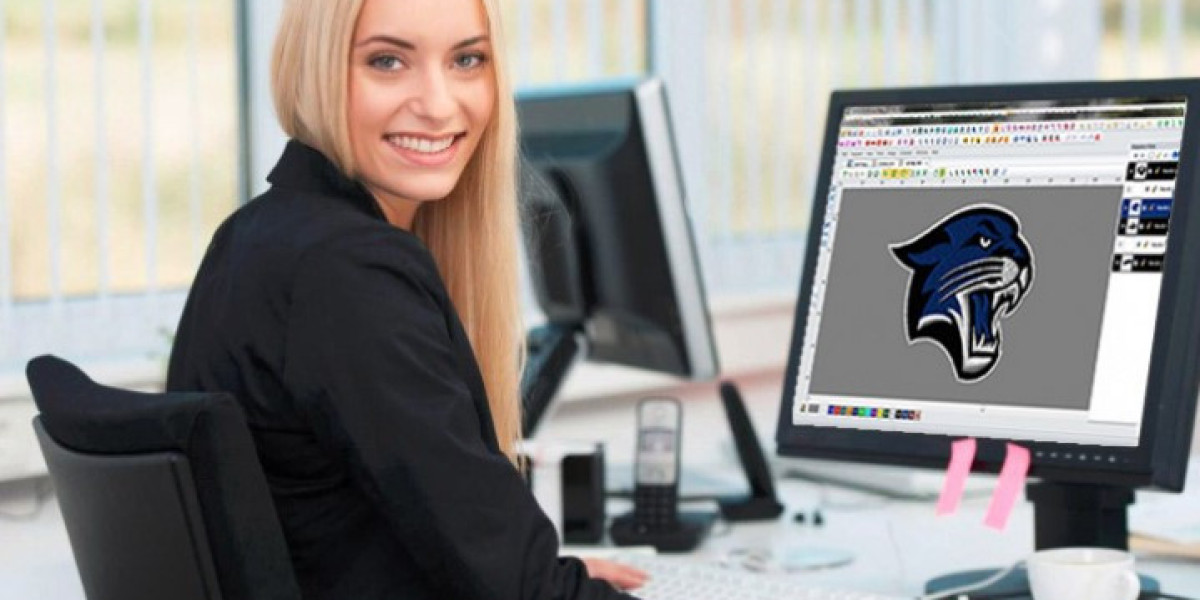

If you’re just starting in embroidery or looking to take your designs to the next level, understanding Digitizing For Embroidery is crucial. Digitizing is what transforms your artwork, logos, or images into embroidery-ready files that machines can read and stitch with precision. Without proper digitizing, even the most beautiful design can come out distorted, uneven, or messy on fabric. In this complete guide, we’ll take you from beginner concepts to pro-level techniques, ensuring your embroidery always looks sharp and professional.
What Is Digitizing for Embroidery?
Digitizing for embroidery is the process of converting a visual design into a machine-readable file that contains stitch instructions. Unlike a JPG or PNG, which only stores pixels, a digitized embroidery file includes:
- Stitch type and direction
- Stitch density and underlay
- Color changes
- Stitch sequencing
- Trim and stop commands
This file guides the embroidery machine on exactly how to stitch your design onto fabric, ensuring accuracy, durability, and aesthetic appeal.
Why Digitizing Matters
Many beginners assume embroidery machines can stitch directly from images but that’s not the case. Images only tell the machine how the design looks visually, not how to sew it. Without digitizing, you risk:
- Distorted shapes and uneven lines
- Letters that are unreadable or uneven
- Thread breaks and skipped stitches
- Fabric puckering and misalignment
Professional digitizing ensures your design is optimized for stitching, producing clean results every time.
Understanding the Basics of Digitizing
Before diving into advanced techniques, it’s essential to understand the building blocks of embroidery digitizing.
Stitch Types
Different areas of a design require different stitch types:
- Satin Stitches: Smooth and shiny, ideal for text, borders, and narrow elements.
- Fill Stitches: Used for larger areas, providing coverage without stiffness.
- Running Stitches: Lightweight and perfect for outlines or fine details.
Choosing the right stitch type for each section of your design is key to professional-looking embroidery.
Stitch Direction
Stitch direction affects how the design looks and how the fabric behaves. Poor direction can cause distortion and uneven texture, while proper planning ensures smooth flow and consistent stitch patterns.
Stitch Density and Underlay
- Stitch Density: Refers to how tightly stitches are packed. Too dense causes puckering and thread breaks; too loose leaves gaps.
- Underlay Stitches: Stabilize the fabric, support the top stitches, and improve design durability.
Balancing both is essential for clean embroidery results.
Pull Compensation and Fabric Considerations
Pull compensation is an adjustment made during digitizing to account for fabric pulling inward during stitching. Without it, satin columns and narrow designs may stitch thinner than intended.
Different fabrics require different digitizing techniques:
- Cotton: Stable and easy to work with.
- Polyester: May need reduced density to avoid puckering.
- Stretch fabrics: Require stronger underlay and careful pull compensation.
- Caps or thick garments: Need specialized stitch paths and directions.
Professional digitizers always tailor designs to the fabric type for optimal results.
The Digitizing Workflow
Here’s a step-by-step workflow that professional digitizers follow:
- Artwork Preparation: Clean and simplify the design to remove unnecessary detail.
- Assign Stitch Types: Determine which stitches work best for different parts of the design.
- Set Stitch Direction: Plan stitch flow to reduce fabric distortion and enhance texture.
- Adjust Density and Underlay: Optimize stitch coverage without stressing the fabric.
- Apply Pull Compensation: Ensure columns and shapes stitch true to size.
- Sequence Stitches: Order stitching logically to minimize trims and jumps.
- Test Stitch-Out: Always test on the actual fabric to ensure the design performs perfectly.
Following this workflow ensures that your designs look professional and stitch accurately on any garment.
Common Mistakes Beginners Make
Even experienced hobbyists can make digitizing mistakes. Watch out for:
- Overloading designs with tiny details
- Relying solely on auto-digitizing tools
- Ignoring the type and stretch of fabric
- Skipping test stitch-outs
- Incorrect stitch density or direction
Avoiding these mistakes ensures better-looking embroidery and reduces wasted materials.
Advanced Tips for Pro-Level Digitizing
Once you’re comfortable with the basics, you can improve your digitizing skills with these pro tips:
- Simplify artwork: Less complex designs stitch more consistently.
- Use proper pull compensation: Especially for satin columns and narrow text.
- Plan stitch angles strategically: Improves texture and reduces distortion.
- Test multiple fabrics: Helps refine stitch density and flow.
- Separate layers logically: Organize colors and stitch areas for efficiency.
Mastering these techniques makes a noticeable difference in stitch quality and production efficiency.
DIY Digitizing vs Professional Services
DIY Digitizing
Good for simple designs or hobby projects, but it requires practice, testing, and software know-how.
Professional Digitizing Services
Best for complex logos, bulk orders, or commercial embroidery. Professionals provide optimized stitch paths, accurate density, pull compensation, and test-verified designs, saving time and materials.
Benefits of Learning Digitizing for Embroidery
- Produce clean and professional embroidery
- Reduce machine errors and thread waste
- Increase efficiency in production runs
- Achieve consistent results across multiple garments
- Enhance overall embroidery quality and durability
Understanding digitizing not only improves your designs but also makes your workflow smoother and more reliable.
Final Thoughts
Digitizing For Embroidery is the backbone of professional-looking stitch work. From selecting the right stitch type to adjusting density, direction, and pull compensation, every step affects the final outcome. Whether you’re a beginner or advancing toward pro-level embroidery, mastering digitizing ensures your designs stitch accurately and look amazing on any fabric.
For reliable, high-quality digitizing that guarantees smooth stitches and production-ready embroidery files, many professionals trust Digitizing Buddy for expertly crafted digitized designs that consistently deliver exceptional results.